 Iasora
Before you paste your child’s health record into ChatGPT, read this
In short: a public chatbot receives everything you paste into it — your child’s name, date of birth, clinic file number, their face in a photo. Depending on your settings, that chat can be read by human reviewers and used to train models. Before you ask, remove what identifies your child, switch off training in the settings and use a temporary chat. The question gets answered just as well without the name.
The thing everyone does
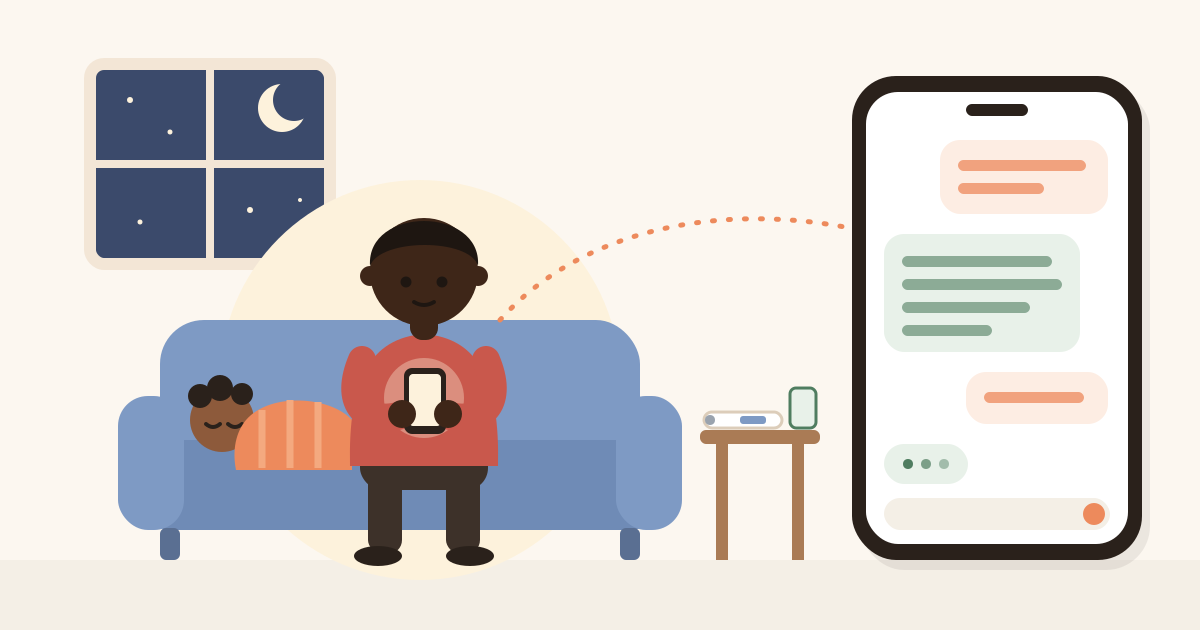
It is 10 PM, your child has a fever, and the Road to Health Book is on the table. You snap a photo, paste it into ChatGPT or Gemini and type “is this OK?”. It is quick, and the answer often helps.
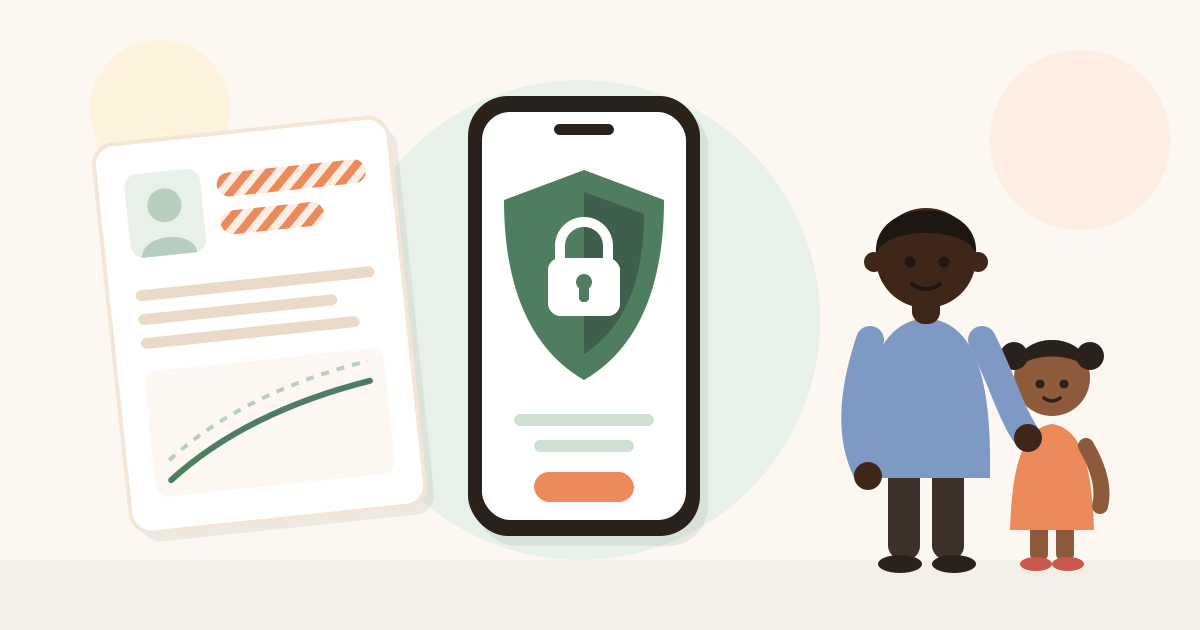
But that photo carries far more than the question needs: your child’s full name, date of birth, the mother’s name, the clinic, sometimes a file number. A lab report adds the lab and the doctor. None of it makes the answer better.
What happens to that chat
It depends on the service and your account settings, but three things are worth knowing:
- People may read it. Google’s Gemini privacy hub says human reviewers, including from service providers, read a subset of chats, and that reviewed chats are kept for up to three years. It asks you, in plain words, not to enter confidential information you would not want a reviewer to see.
- It may train models. On free and personal plans, whether your chats are used to improve models depends on a setting. At Anthropic (Claude) it is called “Model Improvement”; in ChatGPT it sits under Data Controls; in Gemini, under Apps Activity.
- It stays in your history. Anyone who picks up your phone, or gets into your account, can read it.
Under South Africa’s POPIA, health information is “special personal information”, with stricter rules for the companies that process it. But once you paste it into a chatbot yourself, the protection that matters most is the one you apply before you hit send.
What to remove before you ask
Before you paste, delete or cover:
• Your child’s name and yours (write “my daughter”, “her mum”).
• The date of birth — the age is enough: “8 months”.
• Clinic file, ID, medical aid and Road to Health numbers.
• Your child’s face, and any photo that shows their school or home.
• Names of doctors, clinics and addresses.
On a photo of a document, cover those fields before taking the picture, or crop it. Often you do not need the photo at all: typing “haemoglobin 9.8 g/dL, 2-year-old” gives the AI everything it needs.
Three settings worth five minutes
- Switch off training. Find the option to use your chats to improve the model and turn it off.
- Use a temporary or incognito chat for health questions. Anthropic says incognito chats are never used to improve its models, even if Model Improvement is on.
- Delete the chat when you no longer need it.
How Iasora does it differently — and where it does not
Iasora has an assistant, HealthAI, that answers questions about your child’s record. It also sends that record to an AI provider (Anthropic or OpenAI). The difference is in what goes, and how:
| Public chatbot | Iasora HealthAI | |
|---|---|---|
| Child’s name | Sent, if you type or paste it | Replaced with “the patient”, even inside a clinician’s notes |
| Your name | Sent, if it is in the text | Replaced with “the guardian” |
| Phone numbers and emails | Sent, if they are in the text | Never leave |
| Date of birth | Sent, if you type it or it is in the photo | Never leaves: the age goes instead, and the date is removed even from inside notes |
| Health card number | Sent, if you type it or it is in the photo | Never leaves, not even when written in a note |
| Permission | Using the service means accepting its terms | Asked explicitly, per child, and you can withdraw it any time |
| Model training | Depends on your settings | Uses the providers’ API, which by default does not train on the data sent |
And what does not change, because promising anonymity would be a lie: the age, sex, the dates things happened and the rest of the record go as they are, because those facts are what make a useful answer possible. When you ask HealthAI to read a photo of a document, the image goes whole — if the name is printed on it, it goes too. The cover-it-first rule applies here as well.
HealthAI is not a medical device and does not diagnose. When a fact is missing it says which one; when something sounds urgent it tells you to seek care.
The rule that never changes
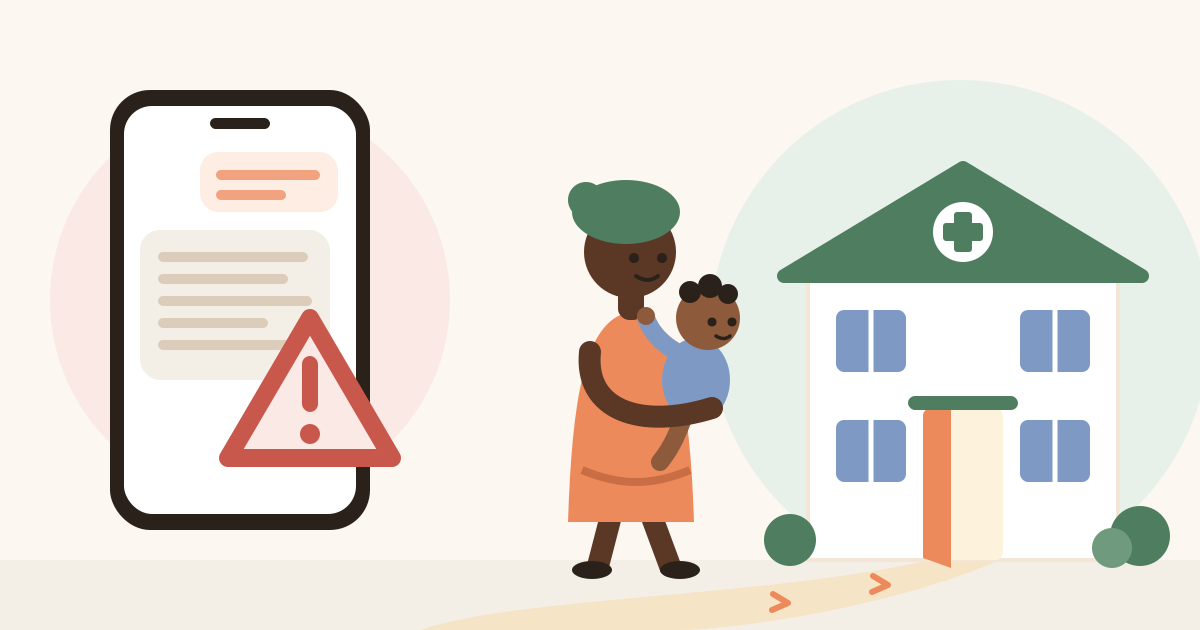
No AI — public or inside an app — can watch your child breathe or feel their tummy. If there are danger signs, do not ask: go. See the danger signs and when to go to hospital, and when not to trust AI.
The World Health Organization’s guidance on AI in health puts protecting privacy and people’s autonomy among its first principles. For a family it comes down to something simple: AI can help, but whoever looks after the child decides what it gets to know.
Sources
- Gemini Apps Privacy Hub — Google
- Is my data used for model training? (consumer) — Anthropic
- Is my data used for model training? (commercial products and API) — Anthropic
- Business data privacy, security, and compliance — OpenAI
- POPIA section 26: special personal information — popia.co.za
- Ethics and governance of artificial intelligence for health — WHO
This article is general information, written by the Iasora team from the sources above. It does not replace a consultation or the judgement of a health worker who sees your child. If in doubt, go to your nearest clinic.